You can download it from the “Data (データ)” tab on each competition page.
Please download each data file using the “Download (ダウンロード)” button on the right side.
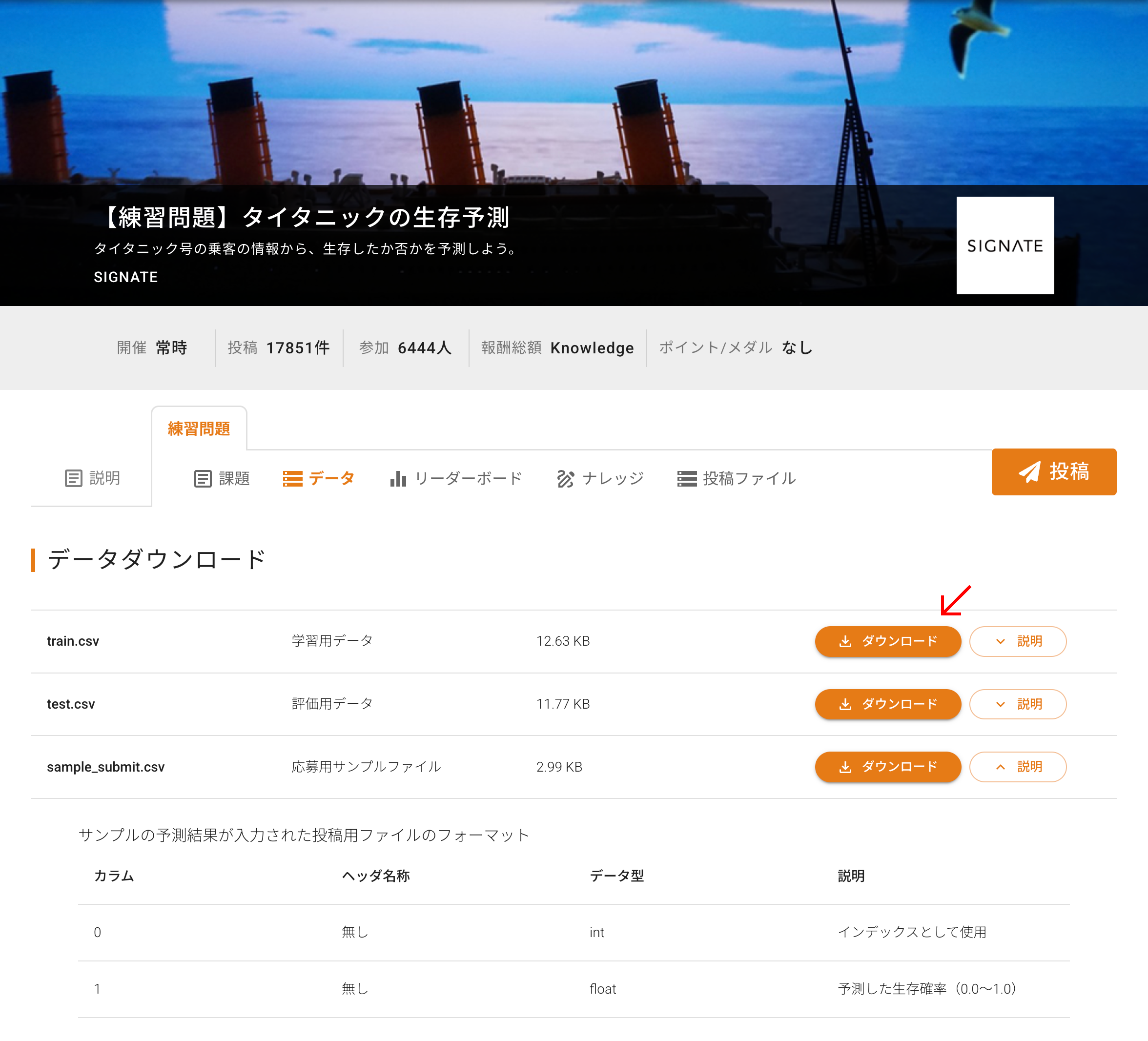
If the “Data (データ)” tab does not appear, please check the following:
1) Are you signed in?
If you are not signed in, please sign in from the sign-in page below, then access the competition page again and check the “Data (データ)” tab once more.
https://user.cloud.signate.jp/individual/sign_in
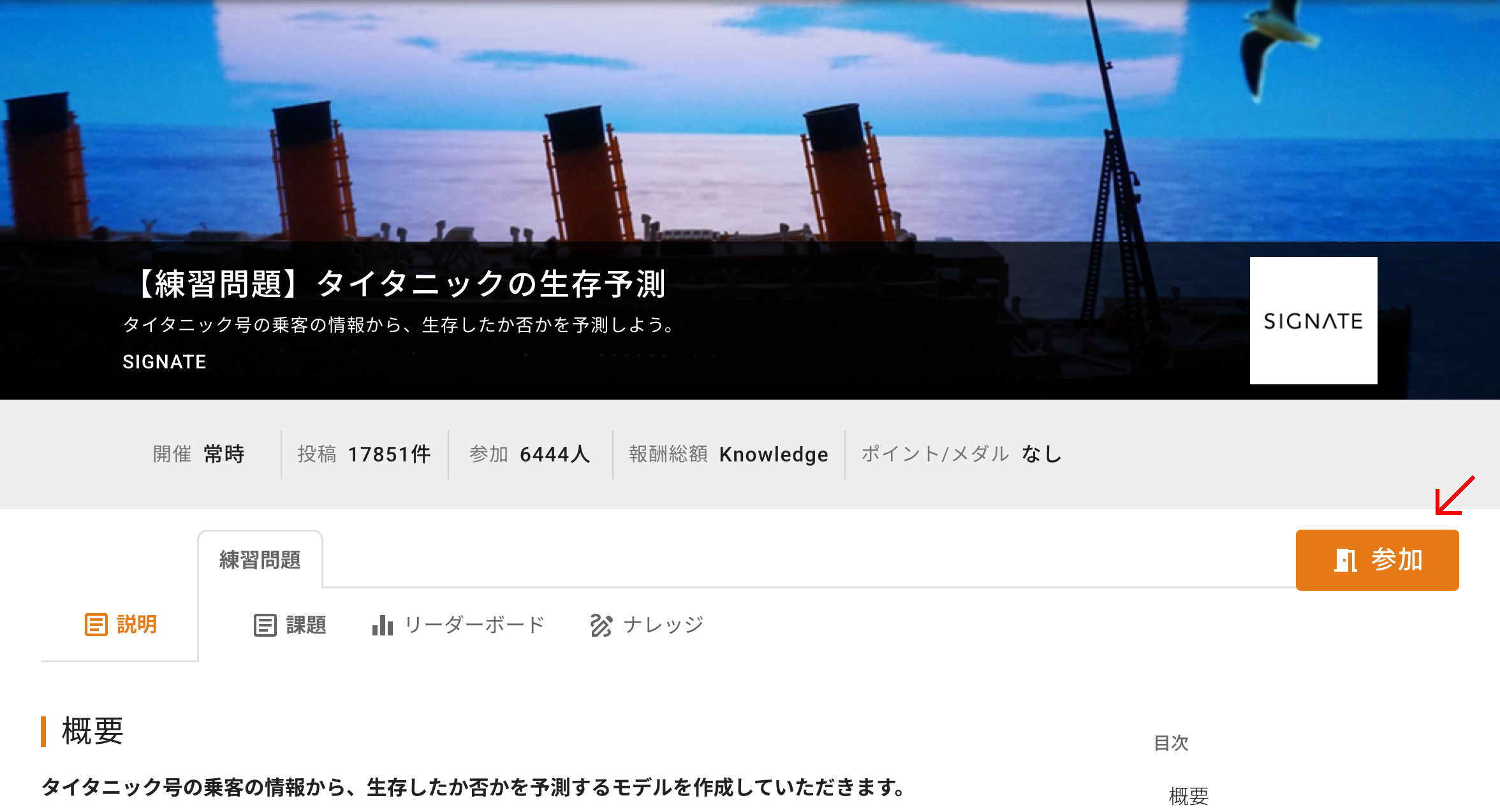
2) Have you joined the competition?
If you have not yet joined the competition, a “Join (参加)” button will appear at the top right of the competition page. Please join the competition using that button, then check the “Data (データ)” tab again.
Additionally, competition data can also be downloaded using “SIGNATE CLI (Beta) (Official API Command Line Interface)*”. For usage instructions, please refer to https://pypi.org/project/signate/.
* Not available for use in some competitions.
Was this article helpful?
That’s Great!
Thank you for your feedback
Sorry! We couldn't be helpful
Thank you for your feedback
Feedback sent
We appreciate your effort and will try to fix the article